
Top Pinterest Updates Every Creator and Business Should Know
Pinterest has become much more than just a platform for design and craft ideas. It is now a visual search engine that allows people to discover new products and even make purchases without leaving the platform. For those who have created content on Pinterest or who have blogs and businesses online, Pinterest can bring in significant traffic for their websites.
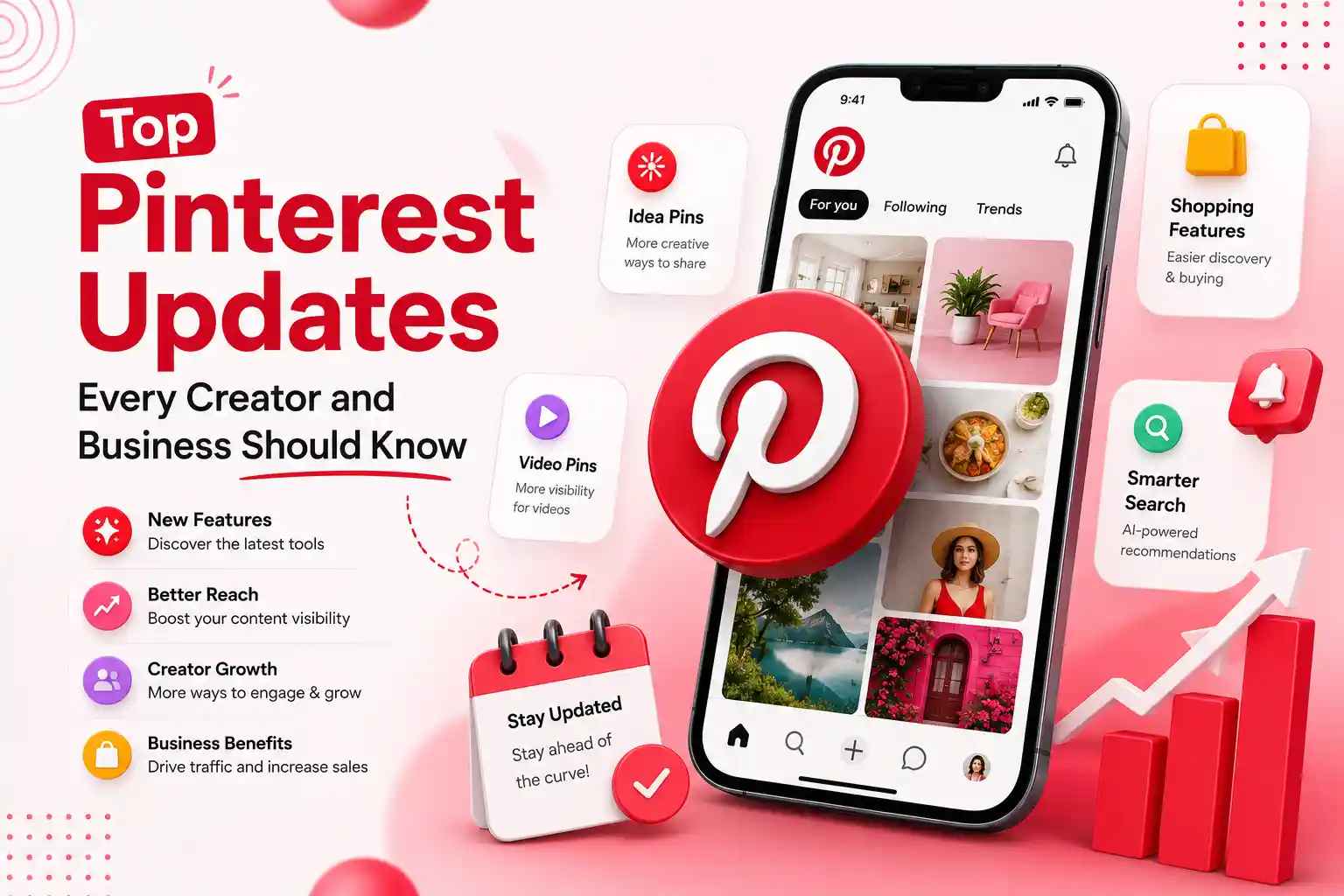
Pinterest is also dedicated to continuously improving platform. They are always looking to stay on top of industry trends and to provide users with an enhanced experience on the platform. Pinterest has introduced a variety of improvements and tools for users to increase their experience on the platform. These improvements range from AI tools to shopping features on the platform to tools for creators looking to increase their advertising revenue on the site.
In the following article, we will be discussing the latest updates to Pinterest that every creator and business should know about in 2026.
Why Pinterest Updates Matter for Creators and Businesses
Pinterest rolls out new features every now and then to enhance the user experience on the platform. This has a direct influence on how users discover Pins and how businesses can discover and engage with their customers.
By staying on top of new features on Pinterest, you can:
- Improve your Pinterest SEO strategy by staying updated with latest search features on the platform
- Increase the organic reach and engagement of your Pins on Pinterest
- Drive more traffic to your website through Pinterest
- Boost visibility of your products and services on Pinterest
- Stay ahead of your competition on Pinterest by utilizing new features to optimize your account
- Take advantage of new monetization opportunities on Pinterest to increase income that your content creation efforts bring to your business
Latest Pinterest Features and Updates Explained
AI-Powered Search Delivers More Personalized Results
Pinterest has upgraded its AI-powered search to better understand users. The redesign allows Pinterest to recommend pins based on users interests instead of keywords that they use when searching for pins. Pinterest has also improved accuracy of search results and ability of users to find pins that they are looking for.
Ask Pinterest: A New AI Shopping Assistant
Pinterest has also launched a new AI shopping assistant feature called Ask Pinterest. This feature allows users to search for products by describing them instead of typing keywords into search bar. For example, the user can type “a cozy reading chair for a small apartment” into Ask Pinterest to be recommended products matching the user’s preference. This new feature will allow users to easily discover new products. Additionally, it will provide business owners with additional opportunities to showcase their products on platform.
AI-Powered Boards for Smarter Organization
Pinterest has also upgraded features within Boards on platform with AI technology to make it easier for users to organize, discover Pins. The AI technology will automatically categorize Pins within a given Board and recommend additional Pins through “More Ideas” and “Make It Yours” features. These AI suggestions will allow users to browse recommended Pins without searching for them. For content creators, this will allow their boards to be well organized and improve discoverability of their Pins.
Enhanced Shopping Experience Across Pinterest
Pinterest continues to improve its offerings as a shopping platform. New features will allow users to browse for products that match the colors and designs of products within Pins of other users. Additionally, the platform has also improved the tools for merchants to showcase their products with updated information about them.
Amazon Storefront Integration for Creators
Pinterest has also made improvements to its monetization programs for content creators. Creators can now connect their Amazon Storefronts to Pinterest to show their products to other creators and their audiences for purchase. This improvement will provide audiences with a effortless shopping experience while also allowing creators to earn affiliate commission fees from those sales made through their Pinterest accounts.
Performance+ AI Advertising Tools
Performance+ on Pinterest offers businesses that use Pinterest Ads various AI automation features to improve performance of their advertisements. These automation features can control aspects of their ads, such as audience targeting, budgets, and creative content. Automation tools will save advertisers time and allow them to reach their target audience with their advertisements. The implementation of Performance+ shows Pinterest’s efforts to improve the digital advertising experience for those that use its platform.
Clearer Labels for AI-Generated Content
With AI-generated content for images becoming a common feature on Pinterest, the platform has introduced labeling for content that was created using AI. Additionally, Pinterest is testing changes that would allow users to reduce the amount of AI-generated content that appears in their feeds on the platform.
Improved Visual Search Technology
Pinterest has also improved its visual search technology to allow users to browse for products from images. Users can tap on different items in a Pin to discover similar products available for purchase on Pinterest.
More Detailed Pinterest Analytics
Pinterest has also improved its analytics platform to provide creators with more in-depth reports on performance of their Pins. These reports will allow content creators to more closely monitor the performance of their pins and adjust their content creation plans accordingly.
Continued Investment in Creator Programs
Pinterest continues to invest in the creators that populate its platform. The company offers a variety of free programs and resources to creators to help them grow their presence on Pinterest. These programs offer free classes, funding opportunities, and other events to help creators of all skill levels improve their presence on the platform. Pinterest continued investment in these programs indicates company commitment to the growing creator community and encouraging sharing of high-quality, original content on its platform.
Expert Tips to Improve Your Pinterest Performance
To make most of Pinterest’s latest updates:
- Add multiple Pins for each blog post.
- Add relevant keywords to title and description of each Pin.
- Place all Pins in correct boards according to your areas of expertise.
- Ensure that all images added are in vertical aspect ratio.
- Maintain product catalogs if you have an online shop.
- Always review Pinterest analytics regularly.
- Add seasonal content at least 30 to 60 days in advance of season.
- Focus on adding original Pins instead of using only AI visuals.
- Try out new features on Pinterest when they are added.
Final Thought
Pinterest’s latest updates give people a clear idea of where platform is headed: an AI-powered visual search and shopping experience. With features like Ask Pinterest, AI-powered Boards, enhanced shopping experiences, and analytics, there are plenty of ways to connect with their audience.
Rather than focusing on changing algorithm, focus on producing valuable content and embracing all that Pinterest has to offer with their newest tools. By staying on top of latest updates, people can maximize their potential on platform and transform Pinterest into a source of long-term success.
Frequently Asked Questions (FAQs)
1. What is the latest Pinterest update?
Ans. The latest Pinterest update includes improvements to AI search functions, Ask Pinterest (an AI shopping assistant), AI-powered Boards, shopping features, Performance+ ads automation, and labels for Pins that are AI-generated.
2. Is Pinterest still good for driving website traffic?
Ans. Yes, Pinterest is one of the best platforms for driving traffic to your website organically. The Pins that you create on your profile will continue to show up in the search results for your Pins for months or even years.
3. Should businesses use Pinterest in 2026?
Ans. Yes, Pinterest is a valuable platform for eCommerce and businesses looking to expand their presence on the social media site.
4. How can I improve my Pinterest performance after these updates?
Ans. To increase performance on Pinterest, ensure Pins that you create are original and of high quality. Additionally, optimize them, publish regularly, organize your boards, and use Analytics tool on Pinterest for your benefit.