
How to Drive Website Traffic Using Pinterest?
Are you looking for a way to increase website traffic using Pinterest? Pinterest might be one of the most effective channels for driving traffic to your website.
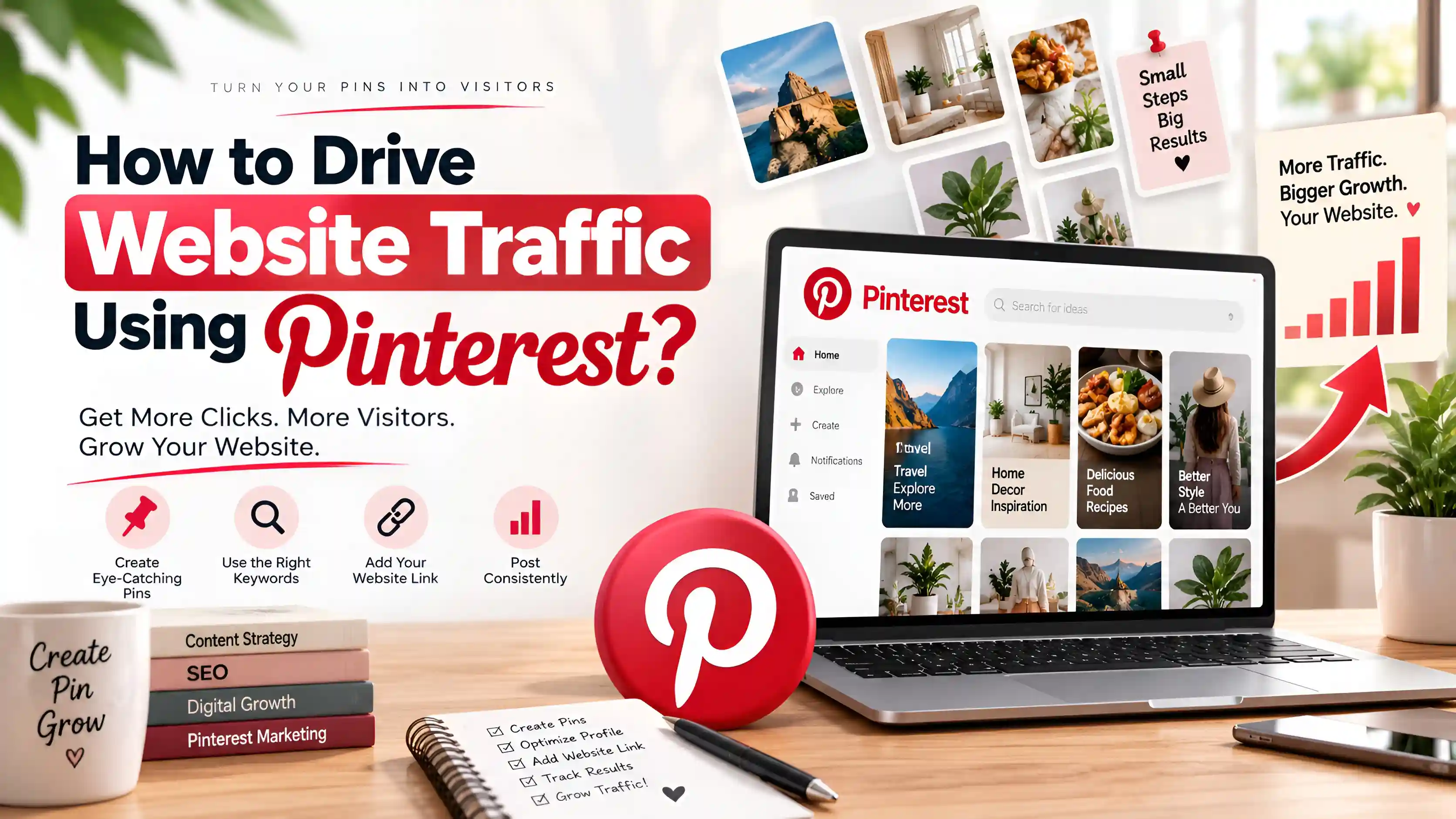
As a visual search engine, Pinterest allows users to discover valuable content from external websites. Unlike other social media channels, well-optimized pins on Pinterest can continue to show on search results for months or even years.
From blogs to eCommerce websites, Pinterest offers an opportunity for free website traffic without the use of paid advertising. By creating valuable content for your audience and optimizing your pins for Pinterest SEO, Pinterest will offer free website traffic to your website. Find out how you can drive more traffic to your website using Pinterest in the guide below.
Why Use Pinterest to Drive Website Traffic?
Pinterest has become one of the most reliable platforms for generating long-term referral traffic because users actively search for content on platform instead of just browsing feeds of other users. Each pin that is published to your Pinterest page has potential to appear in search results of platform as well as potentially be published to home feeds of Pinterest users, even long after the pin is published to your page.
Another of Pinterest’s biggest advantages is the long lifespan of the pins created on the platform. Pins will generate traffic for the websites linked to the pins for months or years, giving websites that use Pinterest as one of their platforms for driving traffic the potential to receive it over an extended period.
Some of the benefits of utilizing Pinterest to drive traffic to your website include:
- Long-lasting visibility for content published on pins
- Consistent organic traffic to the website
- Higher click-through rates for pins on the platform
- Ability to reach a targeted audience on the platform
- Opportunities to utilize Pinterest SEO for website traffic
- Potential for evergreen traffic from pins published on the platform
Overall, Pinterest is one of the best platforms for driving organic traffic to your website due to its design to allow users to discover and visit websites.
How to Use Pinterest to Drive More Website Traffic?
Driving traffic to your website using Pinterest is made easier with the following strategy. Follow these tips to optimize your presence on Pinterest to reach more users and drive traffic to your website organically.
Create a Pinterest Business Account
To have traffic to your website from Pinterest, you first need to create a Pinterest Business account. This gives you access to various tools that will help you grow your website and Pinterest account effectively.
How to create a Pinterest Business account:
- Visit Pinterest and Sign up for a new business account on Pinterest or upgrade your existing account to a Business account.
- Complete your profile with your business name, website URL and keyword description of your company and offerings.
- Claim your website to show ownership and credibility for your business on Pinterest.
- Enable Rich Pins for your products and content on your website to automatically show additional information about your products when they are shared on Pinterest.
With your Pinterest Business account, you have access to several valuable features on Pinterest, including:
- Pinterest Analytics
- Rich Pins
- Audience insights
- Performance tracking
- Advertising tools
- Website claiming
Claiming your website will allow Pinterest to recognize and trust your website as the original content owner. This feature is essential for growing your website’s traffic from Pinterest.
2. Optimize Your Pinterest Profile
Your Pinterest profile is essential for your Pinterest SEO strategy. The profile will help users to understand your niche and Pinterest to categorize your content for recommendation to your target audience.
To optimize your Pinterest profile, follow these steps:
- Use a clear profile photo or your business logo.
- Write a keyword-rich bio that describes your niche.
- Add and verify your website.
- Include relevant keywords in your Pinterest profile.
- Create boards with clear, topic-specific names.
Instead of naming your boards “Ideas,” name them something like “Healthy Dinner Recipes,” “Home Office Design,” “Pinterest Marketing Tips,” or “Digital Marketing Strategies.” Organized, properly named Pinterest boards will improve your Pinterest profile visibility and attract users interested in your content.
3. Perform Pinterest Keyword Research
Keyword research is essential for creating a successful Pinterest SEO strategy. Understanding what your target audience is searching for on the platform will ensure that your pins are appearing for those searches.
There are a few ways to find relevant keywords on Pinterest:
- Search suggestions on Pinterest
- Related keyword bubbles
- Pinterest Trends
- Popular searches on Pinterest
- Competitor research on Pinterest
Try to use long-tail keywords that are less competitive yet reflect what your target audience is searching for. Use keywords like how to grow on Pinterest, Pinterest SEO tips, Pinterest marketing strategy, increase blog traffic, or website traffic tips in your Pins and blog content to improve your SEO on Pinterest.
5. Create High-Quality, Eye-Catching Pins
As a visual platform, Pinterest relies on the design of your Pins to attract users’ clicks. The design of your Pins is essential for creating attention, engagement, and traffic to your website.
Some characteristics of the best Pins include:
- High-resolution images
- Bright, eye-catching colors
- Clear and easy-to-read text
- Compelling headlines
- Vertical 2:3 aspect ratio (1000 × 1500 pixels)
- Consistent branding
Keep your Pins visually clean to allow users to understand your content at a glance. Use compelling text such as “10 Pinterest SEO Tips to Increase Website Traffic” to attract users’ attention and encourage them to click on your Pin.
6. Focus on Evergreen Content
Evergreen content is content that remains valuable and relevant after its initial publication date. Pinterest values evergreen content because it indicates that the content continues to provide value to the site’s users. Creating evergreen content will continue to bring Pinterest traffic to your site over time.
Some of the best types of evergreen content to create include the following:
- Beginner guides
- Step-by-step tutorials
- How-to articles
- Checklists
- Templates
- Tips and best practices
Unlike trending topics, evergreen content continues to show up on Pinterest search results and recommendations. Creating evergreen content that solves users’ problems will provide your site with long-term value.
7. Enable Rich Pins
Rich Pins automatically pull information from your website to make your Pins more informative and engaging for your audience. These Pins can feature article titles, product information, or recipe descriptions.
Rich Pins offer several benefits to your Pinterest and website, including:
- Displaying additional information from your website
- Keeping Pin details updated automatically
- Increasing the credibility and trust of your Pins
- Improving the click-through rates of your Pins
Rich Pins offer your audience a better user experience on Pinterest and increase the traffic to your website.
8. Add Pinterest Save Buttons to Your Website
Adding a Pinterest Save button to your website allows your visitors to save your content to their Pinterest boards. The more pins people save to their boards, the more visible your content becomes to them.
The benefits of adding Save buttons to your website include:
- Encouraging the sharing of your content
- Increasing the visibility of your Pins
- Reaching a wider audience
- Driving more referral traffic to your website
Adding Pinterest save buttons can significantly increase the reach of your content.
9. Use Internal Linking
Internal linking on your website allows your Pinterest audience to discover more valuable content from your website.
The best practices for using internal linking on your website include:
- Linking to related articles on your website
- Allowing your audience to explore your website
- Improving the navigation of your website
- Reducing the bounce rates of your website visitors
Using internal linking on your website improves the user experience and SEO of your website.
10. Track Your Pinterest Analytics
Pinterest Analytics will allow you to track and review how well your Pins are performing on the platform. Reviewing your Pinterest analytics will show you which Pins perform best to improve your content strategy.
The metrics to track on Pinterest Analytics include:
- Impressions
- Outbound clicks
- Saves
- Engagement rate
- Top-performing Pins
By reviewing your Pinterest Analytics regularly, you can improve your Pinterest strategy to increase the traffic to your website.
Time to Wrap Up
In conclusion, Pinterest is one of the few platforms available that will continue to bring traffic to your website even after the posts have been published. By treating Pinterest as a visual search engine for your visitors, you can leverage this platform to bring in visitors who are actively searching for the content that you can provide.
To succeed on Pinterest, focus on providing great keywords, design your Pins to be visually appealing, continue to publish content, maintain your Pinterest boards, and provide great content on your website. Create valuable resources for your visitors and continuously monitor which content brings you most traffic to improve your Pinterest strategy over time. With patience and consistency, Pinterest can work to provide one of your primary sources of website traffic.