
Why Your Pinterest Pins Aren't Reaching More Users
Wondering why your Pinterest Pins aren't getting views? Discover the most common reasons Pinterest pins receive no views and effective solutions to reach more users.
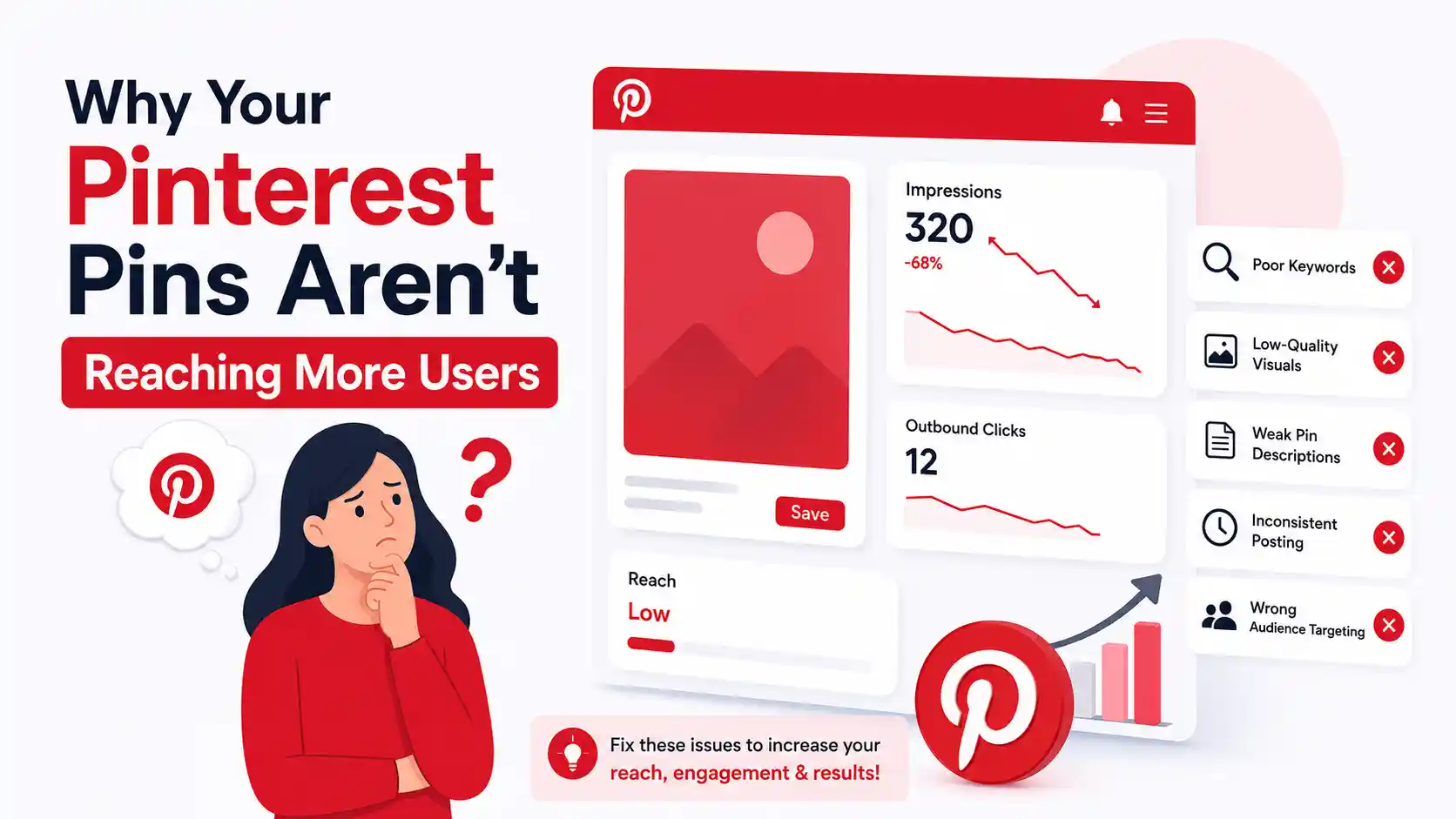
Pinterest pins might stop receiving views for a variety of reasons. Using poor keywords for pins, publishing pins of low quality, publishing pins too infrequently, or facing increased competition from other pinners on site can all lead to pins receiving no views. Additionally, the site might take a while to index pins you have created or site might be experiencing technical issues that are preventing pins from receiving views. However, all of these issues can be resolved using right Pinterest pin optimization strategy.
Many Pinterest users face issue of their pins receiving no views despite creating high-quality pins. The reason for this is complex, and there are several solutions to each problem. In the article below, we will discuss the most common reasons Pinterest pins receive no views and provide solutions to each problem to improve your Pinterest account.
Common Reasons Your Pinterest Pins Aren't Getting Views
There is not just one reason why your Pinterest Pins get low views. Pinterest evaluates multiple factors to rank Pins that display on platform. Below are most common reasons why your Pins may not be receiving views that you would like for your boards
- Pins Are Too New
Pinterest does not distribute new Pins at once. Pinterest needs some time to understand and index your new Pin. It can take several days or even weeks for your Pin to start showing up in search results.
- Poor Pinterest SEO Optimization
As Pinterest is a visual search engine, including the right keywords in the title and description of your Pins will help Pinterest to understand what your content is about. If your Pins are not optimized for search engines, Pinterest will have difficulty finding the content you have created.
- Unattractive Pin Design
Pinterest users scroll past hundreds of Pins every day on their feed. If your Pin design is not appealing to Pinterest users, they will likely ignore your Pin and scroll past it.
- Pins Are Saved to Irrelevant Boards
Pinterest saves your Pins to understand your content better. If you save your marketing Pins to a general board, it may confuse Pinterest about the subject matter of your Pins.
- Inactive Pinterest Account
Pinterest rewards active Pinterest accounts. If your account is inactive, Pinterest will not recommend your Pins as much as accounts that consistently publish new Pins.
- Low-Quality Website Content
If your website content does not provide a good user experience when people click on your Pins, Pinterest will distribute your Pins less to your website.
- Low Pin Engagement
Pinterest looks at the engagement on your Pins to decide if they are useful to Pinterest users. If your Pins have low engagement from users, Pinterest will likely stop recommending your Pins to their audiences.
- Duplicate Pins Instead of Fresh Content
Pinterest encourages users to share fresh designs and ideas. Continuously posting same Pins does not encourage engagement from Pinterest and may result in lower distribution of your Pins.
- New Pinterest Account
New Pinterest accounts have lower views compared to more established accounts. As your account grows and gains popularity, Pinterest will start to distribute your Pins more widely to other users.
- Temporary Pinterest Glitch
Sometimes, the problem is not with your Pinterest account. Pinterest may experience bugs and glitches from time to time that will impact your Pins views.
- Generic Pin Titles and Descriptions
If your Pin titles use phrases such as “Check This Out” or “Amazing Ideas,” Pinterest will not understand your Pins’ content. Including appropriate keywords in your Pin titles and descriptions will help Pinterest understand your Pins’ content.
- High Competition in Your Niche
Some audiences on Pinterest are more competitive than others. For example, there may be millions of posts in categories such as cooking, fashion, fitness, travel, and home décor. To cut through the noise, your Pins must stand out from others in such competitive audiences.
Also Read: Why Is Pinterest Not Showing My Pins in My Boards?
How to Get More Views on Your Pinterest Pins?
Follow these effective strategies to improve Pinterest visibility that help your Pins to reach more audiences.
- Optimize Pins for Pinterest SEO by using relevant keywords in titles, descriptions, names, and descriptions of your Pinterest boards.
- Instead of simply re-uploading your same Pin, create new designs with different headlines, images, and descriptions for your Pins.
- Ensure that your Pins are visually appealing with high-quality images and text, and make sure they are in the correct aspect ratio of 2:3 for Pinterest feeds.
- Save Pins to relevant Pinterest boards that best describe your Pins to improve the chance of them being found through Pinterest search functions.
- Continue to be active on Pinterest by consistently publishing new Pins and content for your Pinterest boards to maintain increased visibility for your account.
- Improve the quality of the website that you operate by ensuring it features fast-loading, mobile-friendly pages with valuable content to improve your Pinterest performance.
- Use Pinterest Analytics to review Pins to determine which designs receive the most engagement from your audience to inform your future Pinterest design and publishing efforts.
- Allow time for your Pins to receive views; new Pins may take several days or weeks to be indexed and distributed to a wider audience on Pinterest.
- Experiment with different designs for your Pins to see if small changes have a significant impact on the impressions, saves, and clicks that your Pins receive.
Bonus Tip to Save Valuable Pinterest Content for Offline Access
While growing your Pinterest account, you may come across inspiring videos, images, GIFs, or Pins that you had like to reference later. The PinFlik Pinterest Video Downloader allows you to easily download public Pinterest videos, images, GIFs, and Pins in the highest quality available directly from your browser. Using this Pinterest image downloader will let you easily save Pins that are important to you for offline access at any time.
Time to Wrap Up
In conclusion, there are several small improvements that can have a significant impact on way that your Pins perform on platform. Optimizing your keywords, Pins designs, boards, and schedule on which you publish your Pins will all contribute to the success of your Pin page.
Focus on the long-term benefits of Pinterest rather than the short-term results that you might see with your strategy. By continually publishing new content and optimizing your pins based on the insights that you gather from your Pinterest Analytics reports, you can count on Pinterest to begin delivering more traffic to your website over time.